

This guide will walk you through the complete setup process for white-label.
1. Colors
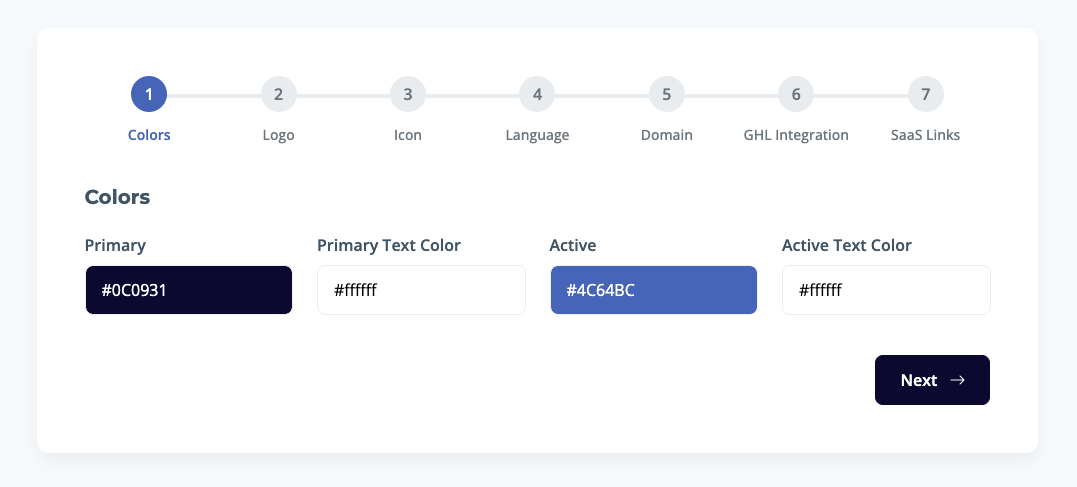 The first step is to set your brand's color palette.
- Primary: Choose the main color for your user interface.
- Primary Text Color: This should be a color that provides good contrast against your primary color for readability.
- Active: Select a color to highlight interactive elements, such as buttons and selected tabs.
- Active Text Color: Choose a text color that is easily readable on top of your active color.
2. Logo
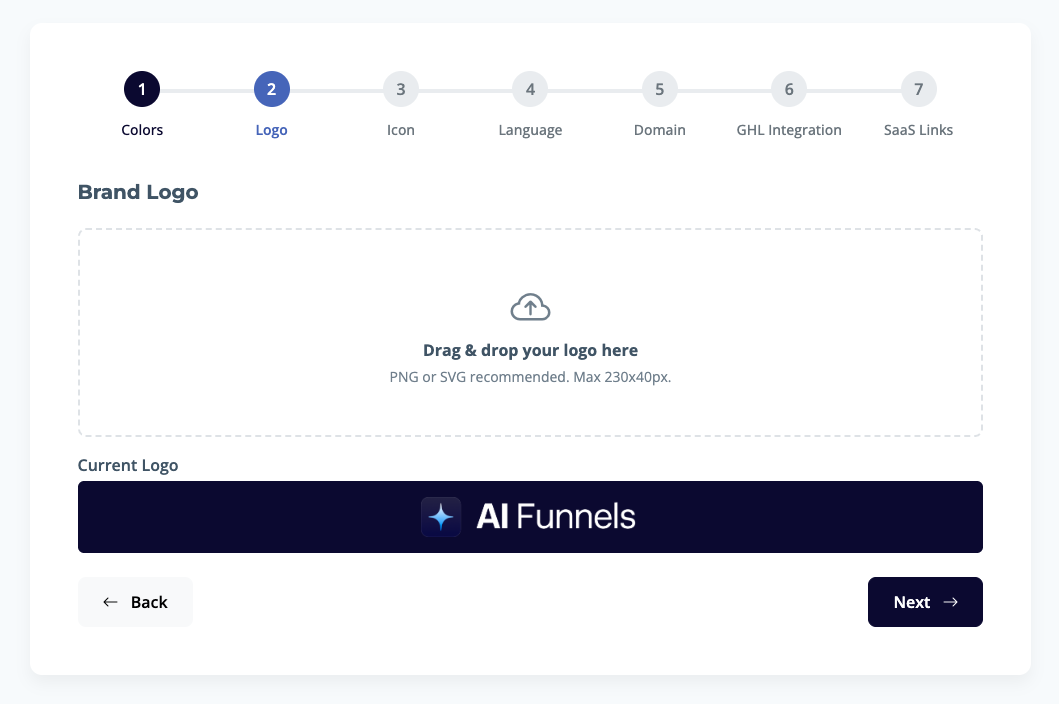 Next, upload your brand logo.
- Drag and drop your logo file or click to upload it.
- File recommendation: PNG or SVG.
- Max dimensions: 230x40px.
- Your logo will be displayed prominently on the platform.
3. Icon
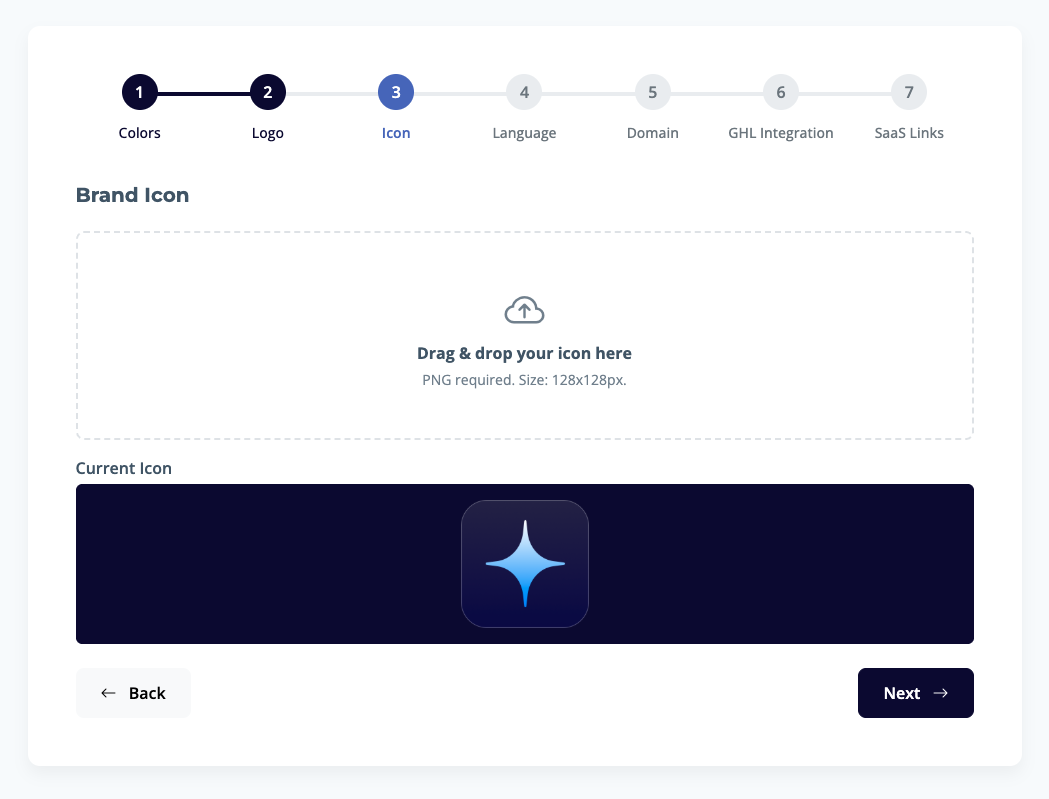 Upload your brand icon. This is typically used as a favicon and in other small spaces.
- Drag and drop your icon file or click to upload.
- File requirement: PNG.
- Size requirement: 128x128px.
4. Language
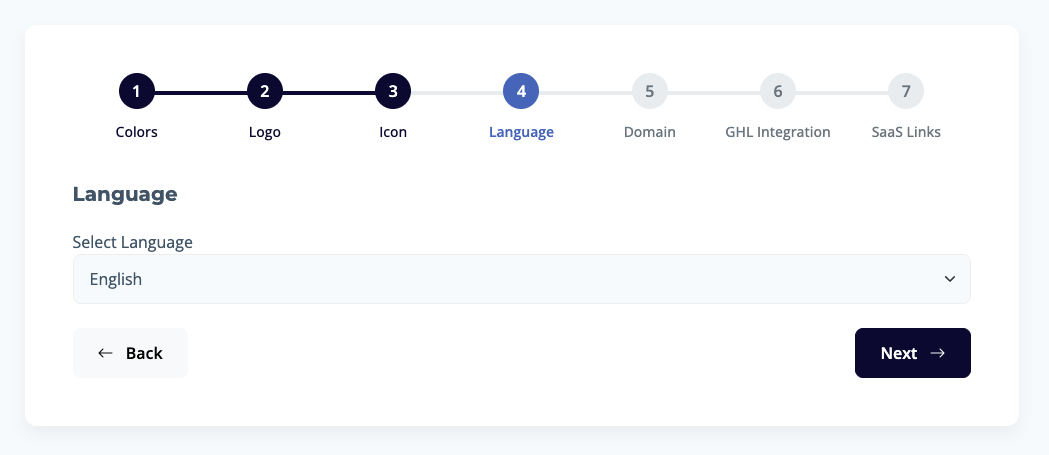 Select the default language for your platform from the dropdown menu.
5. Domain
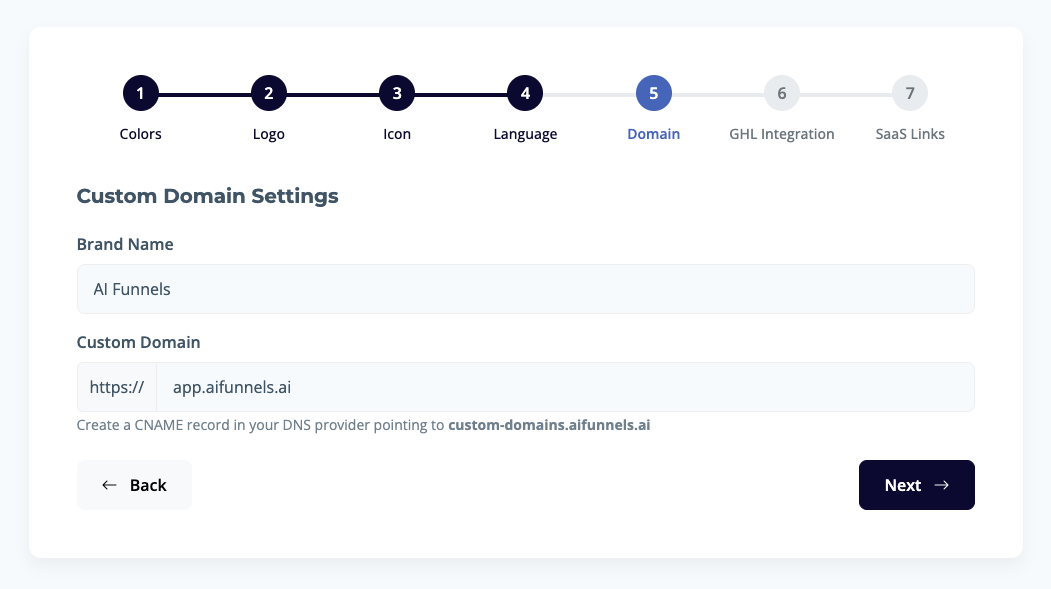 Configure your custom domain to provide a seamless brand experience.
- Brand Name: Enter your brand name. This may be used in various parts of the platform.
- Custom Domain: Enter your desired custom domain (e.g.,
app.your-domain.com). - Important: You must create a CNAME record in your DNS provider, pointing to
custom-domains.aifunnels.aito complete this step.
After clicking Next, we will try to verify your domain, if everything goes well, you will be able to continue to next step.
6. GHL Integration
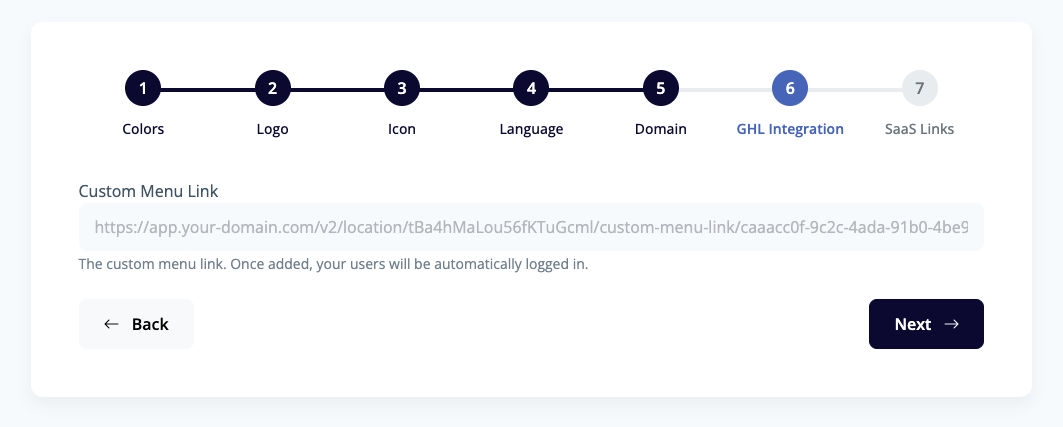 If you want to integrate your white label platform with GHL, click here to learn how to get your custom link.
7. SaaS Links
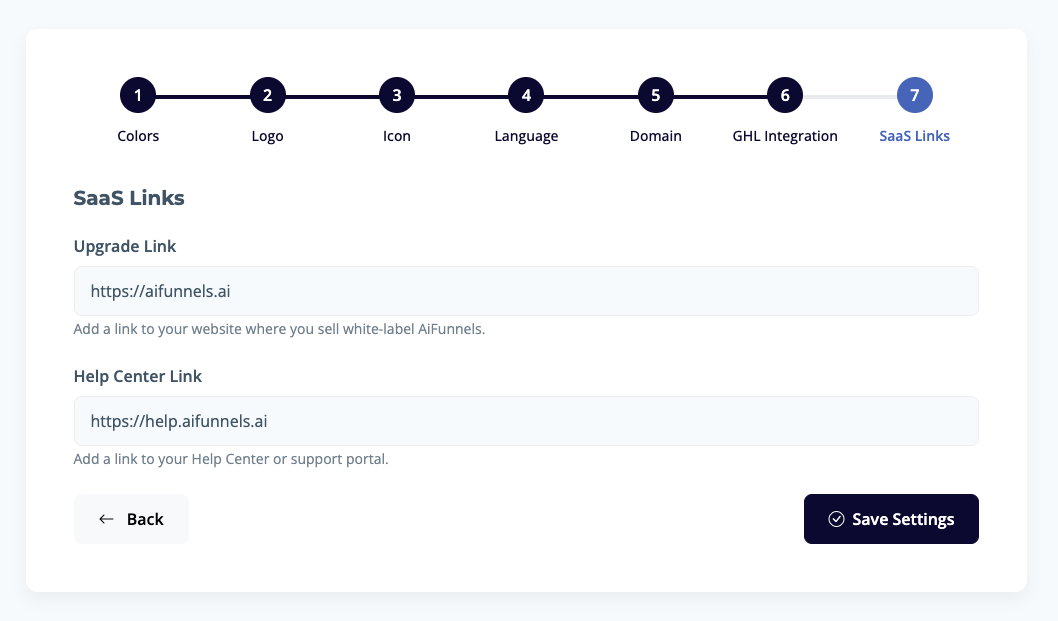 Finalize your white label setup by adding your essential SaaS links.
- Upgrade Link: Add a link to the page on your website where users can purchase or upgrade their plans.
- Help Center Link: Provide a link to your help center or support portal, giving users easy access to assistance and resources.
Once all steps are completed, click "Save Settings" to apply your customizations and complete your white-label setup.