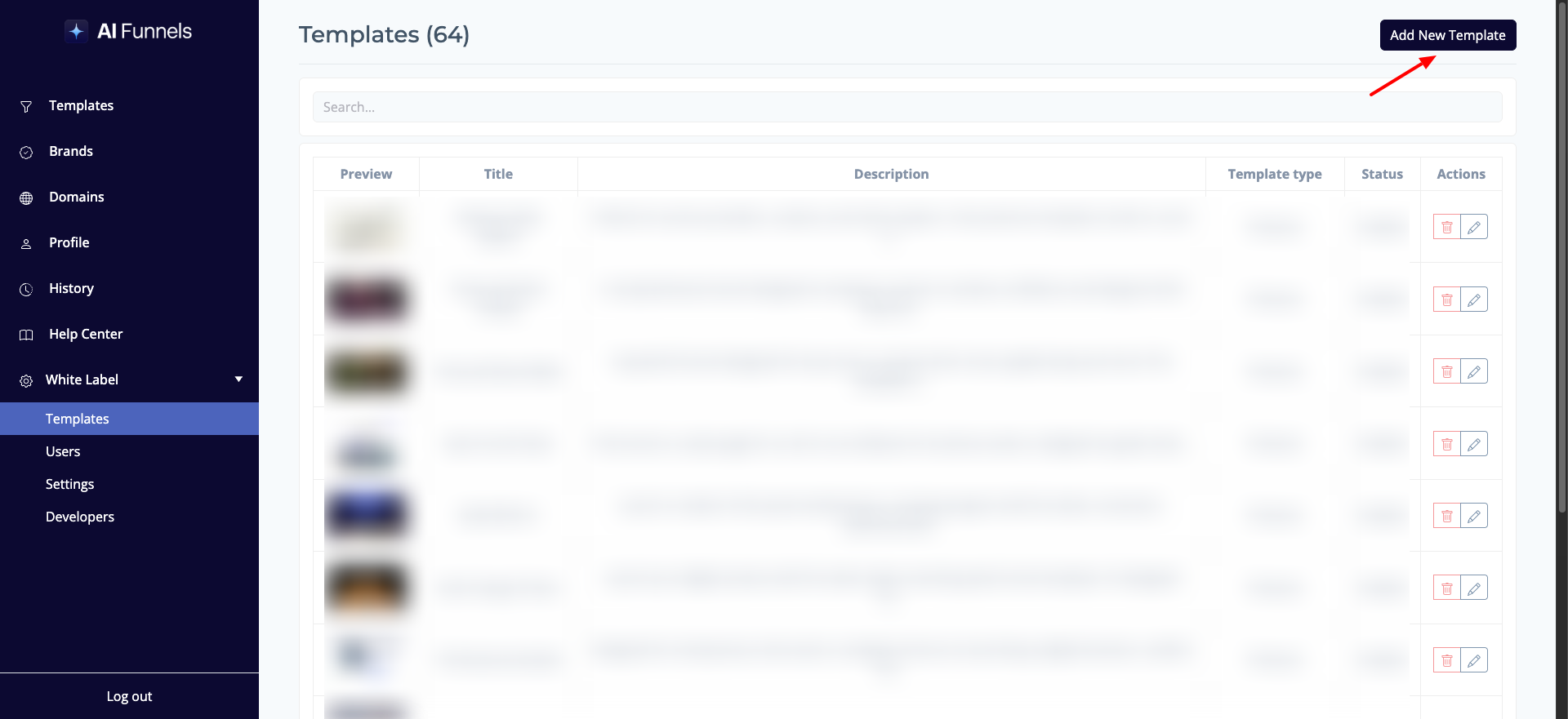
button, which will open a modal window for you to populate the template details.
2. Template Information
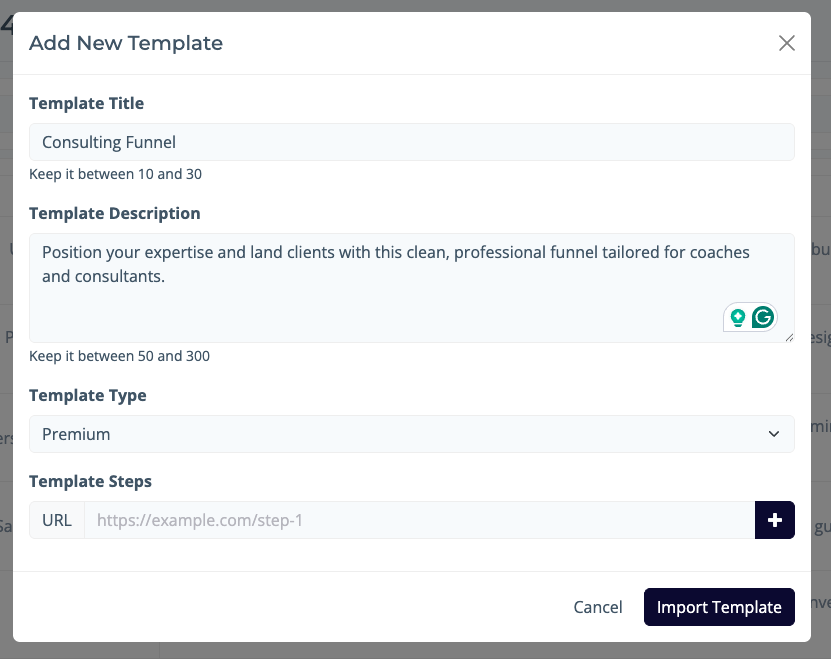
Fill in the required information for your new template, including the
Template Title, brief
Template Description and select
Template type.
3. Find Funnel Steps
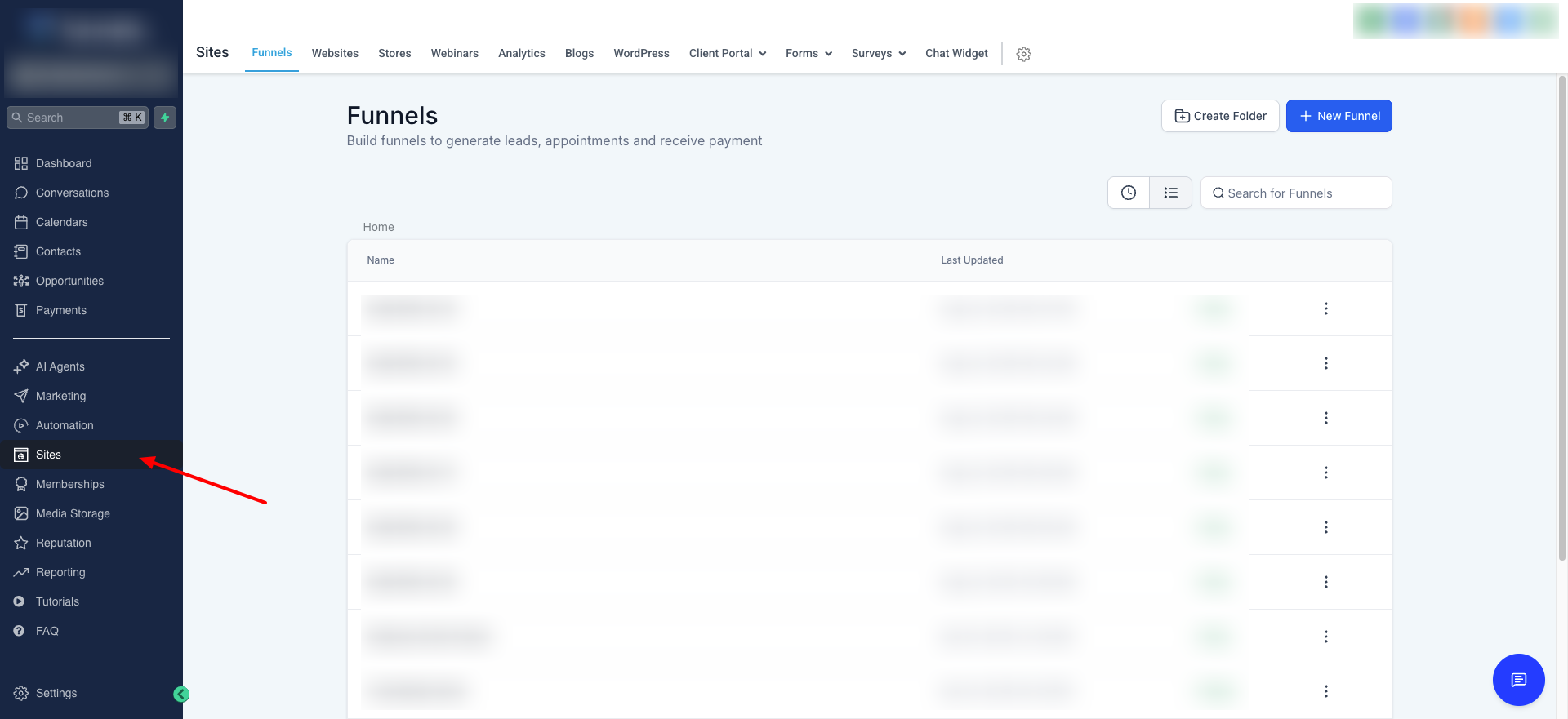
To get the links for your template steps, you'll need to open your
Funnels page, found under
Sites in your GHL account.
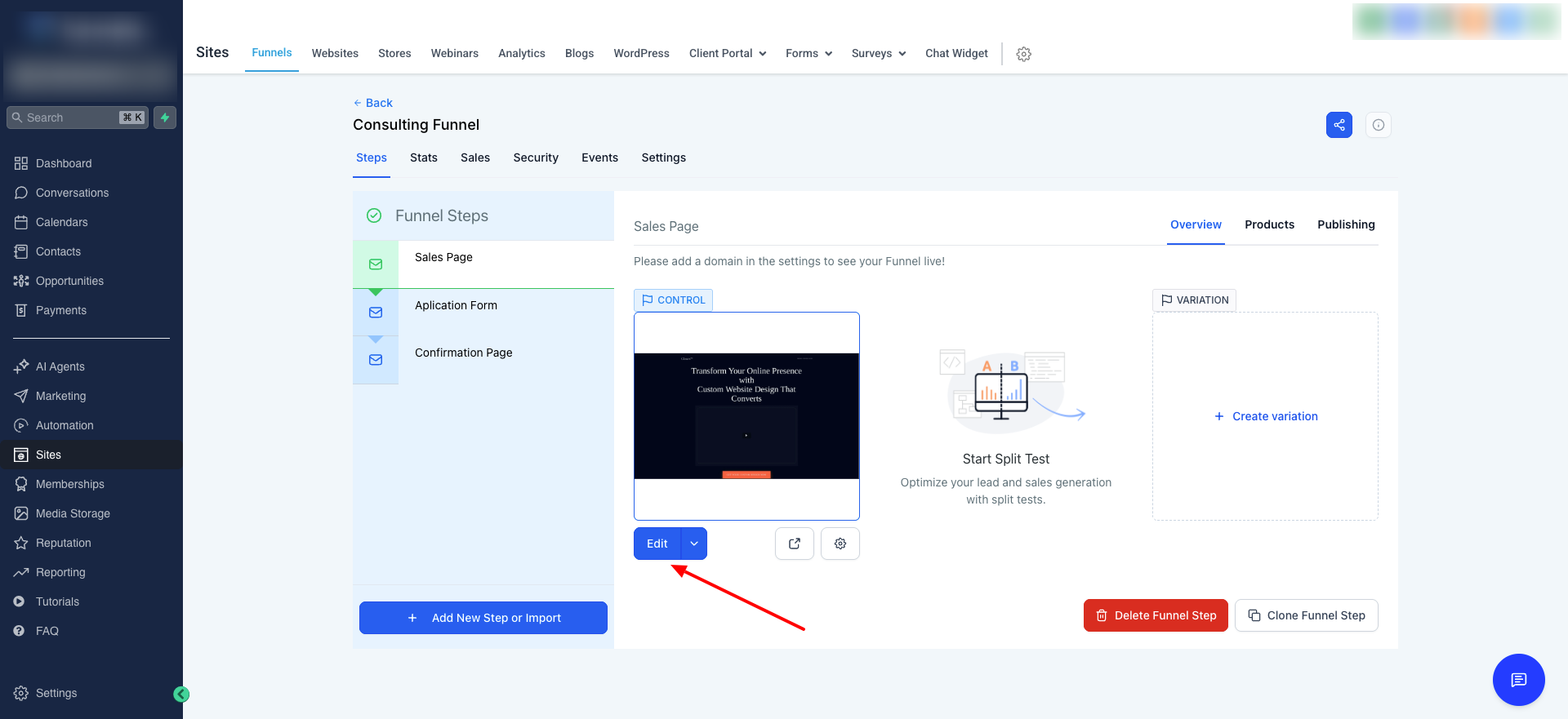
Click on the funnel you want to use, and then click the
"Edit" button.
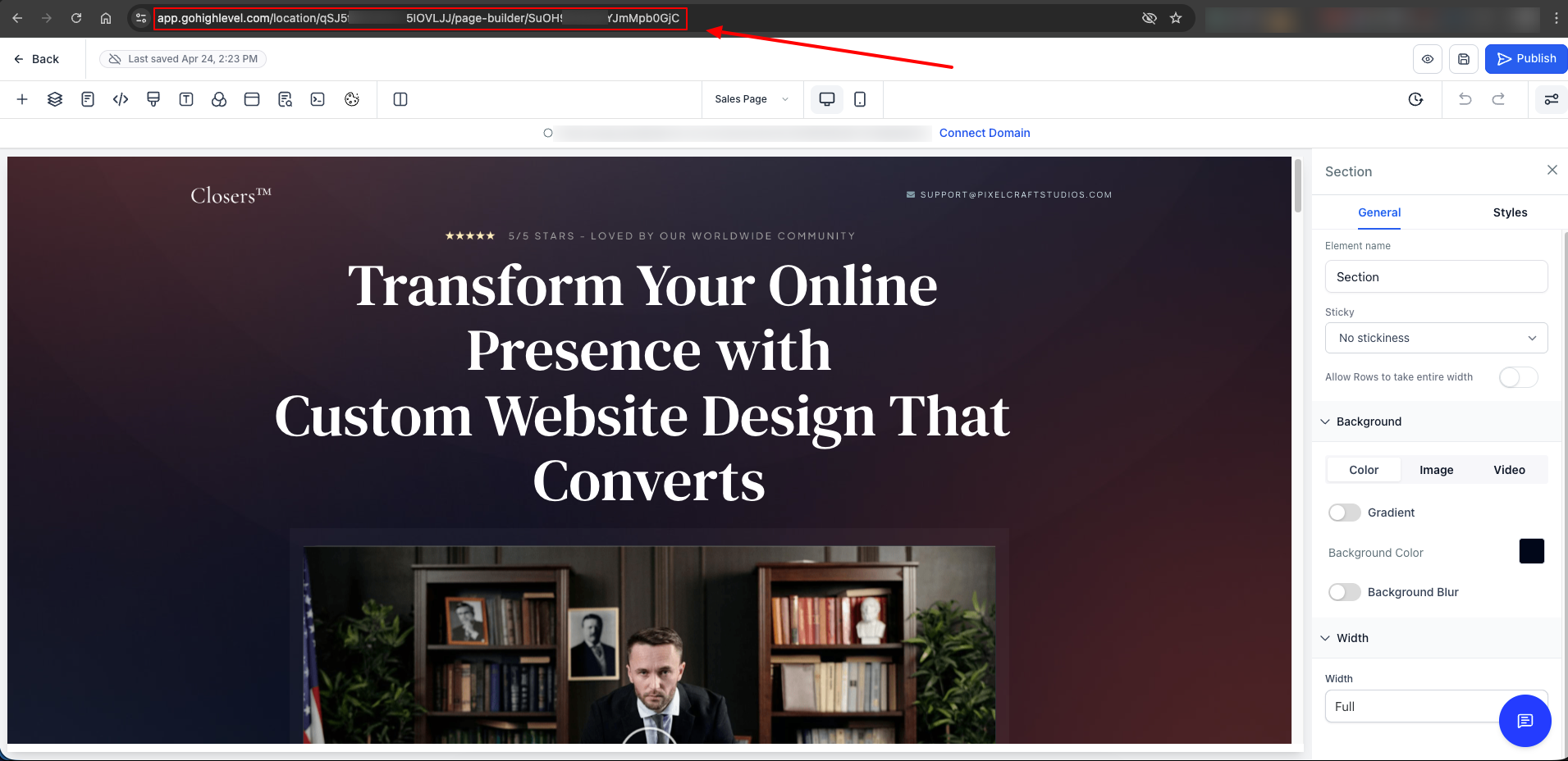
Once the funnel editor loads, copy the
URL from your browser's address bar. This is the link to your funnel step.
4. Import Template
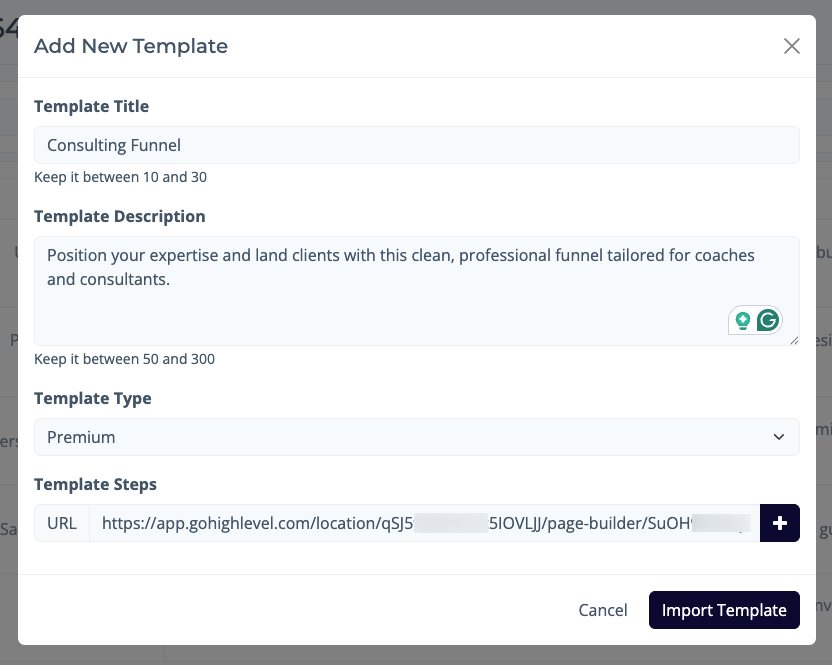
Return to the
"Add New Template" modal, paste the copied link into the
Template Steps field, and click
Import Template to save your new template.